Vertical · 9:16
1080 × 1920 is the canvas, not a crop
The vertical frame is the layout here, not something applied to a widescreen edit afterwards. Record once, decide how the source and your face divide the frame, and get 16:9 out of the same take without recording anything twice.
Try Pro free for 3 days — $0 today, then $39.99/month. Cancel before the trial ends and you pay nothing. Free includes one vertical layout at 720 × 1280.
- Canvas1080 × 1920
- Layouts6 vertical
- Also exports16:9
- Safe-zone guidesTikTok · Shorts · Reels
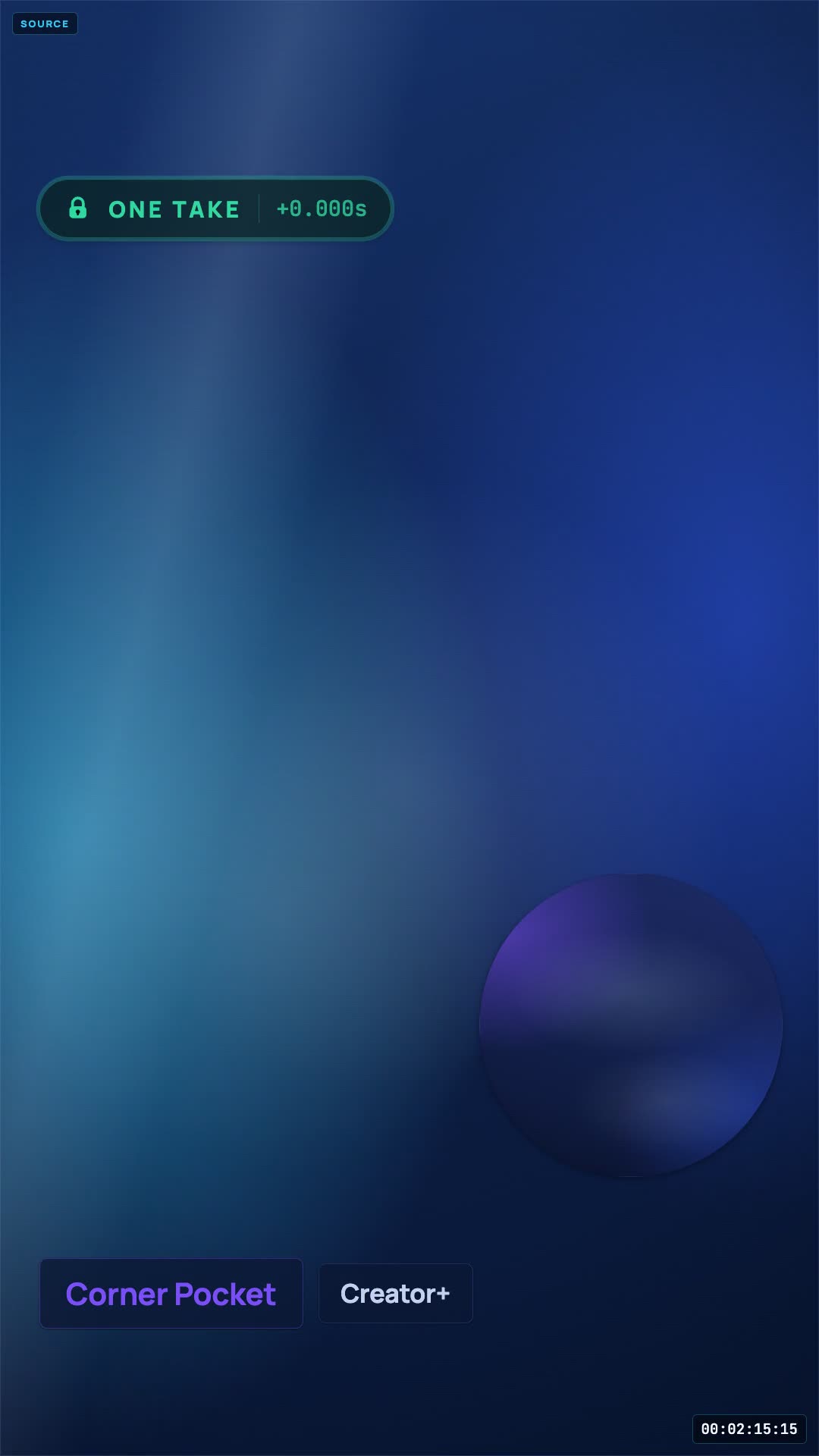 One take, four layouts
The thing nobody solves for you
Two rectangles, one frame built for neither
A reaction is a source video and a face. In landscape that is easy — the source takes the middle and the camera sits in a corner. In 9:16 there is no corner big enough to be a face and no middle wide enough to be a landscape video. Something has to give, and most tools decide which before you have watched a single frame.
The decision is irreversible when it is baked in
On a 16:9 timeline a bad layout call is a repositioning job. On 9:16 it is a re-record, because the crop decides what exists in the file at all.
So it is not a recording decision here
Your camera and the source are captured as separate streams against a shared timeline. The vertical canvas is assembled at render time, which is why you can try all 10 and change your mind a week later.
And the aspect is not either
9:16 and 16:9 are two renders of one session. The widescreen version is not a stretched vertical and the vertical is not a cropped widescreen — each has its own geometry in the manifest.
The coral overlay above is the TikTok guide drawn at real scale on the Corner Pocket geometry. It is a capture-time guide in the studio and is never rendered into the output.
Landscape source, vertical frame
Three honest options, and there is no fourth
Every vertical reaction tool is doing one of these three things to your landscape source. The difference is whether you get to choose which one, and when.
Letterbox the source
- The source becomes an 1080 × 810 band with the frame split around it.
- Your camera takes the bottom 1080 × 960 at full width.
- Nothing is cropped out of the source — the frame is divided instead.
The safe default, and the only vertical layout on the free plan.
Crop it to fill
- The source covers all 1080 × 1920, cropped to cover.
- The left and right of a 16:9 frame are gone. That is not a setting.
- Your camera lands as a 400px circle you can drag anywhere.
Right for gameplay and centred action, wrong when the edges carry information.
Drop the picture entirely
- The source becomes an audio-only slot rendered as a title card.
- You fill the frame over a navy background.
- The source is heard and credited but never shown.
More often correct than people expect — especially for music reactions.
Anyone promising a fourth option — a way to fit a whole 16:9 frame into 9:16 with nothing lost and nothing letterboxed — is cropping and not telling you. The useful question is not how to avoid the trade, it is which trade suits this particular clip, and that is a question you can only answer after you have watched your reaction back.
Real geometry, not mockups
10 vertical layouts, drawn at the exact coordinates the renderer uses
Each diagram below is generated from the same layout manifest the exporter reads, so the proportions are the ones you will actually get on a 1080 × 1920 canvas.
Above the Fold
FreeYour camera owns the bottom half, which is where the caption and handle sit. Frame yourself high in the crop.
Corner Pocket
ProThe circle starts under the action rail on purpose — it is draggable, so move it left before you export.
Face First
FreeFlip the stack — your reaction on top where the eye lands, the clip underneath, and the caption strip left empty.
Full Focus
ProThe only layout that never shows the source picture. Reach for it when showing the video is the problem.
Green Room
ProThe source window is draggable and resizable. Keep it clear of the Shorts title strip at the top.
Headliner
FreeThe clip keeps the whole frame and you sit over it in a tall rounded card — a real presence, not a webcam bubble in the corner.
Marquee
FreeBoth frames matted on a dark stage with real breathing room. Nothing edge to edge, nothing sitting under the captions.
Sidecut
ProYour column is the right-hand one, which is exactly where the action buttons live. Sit slightly left of centre.
Split Reaction
ProA clean half each, and a second reactor splits your half rather than shrinking the source.
Spotlight
FreeThe clip fills the frame and you sit on the thirds line as a big soft circle — clear of the caption bar and the action rail.
What comes out
A vertical file the platform will not have to rescale
The layout geometry is drawn at the full 1080 × 1920 canvas rather than scaled up from a smaller render, and on Pro the composite is built from your original upload rather than the playback proxy — so 1080 is really 1080.
- TikTok
- YouTube Shorts
- Instagram Reels
- 9:16
- 16:9
- MP4
Captions matter more here than anywhere else on the site: vertical feeds autoplay muted, so a reaction without on-screen text is a reaction most people scroll past without ever hearing. OverReact does not caption for you — add them on the platform, or in your editor, before you post.
- Free720 × 1280, watermarked
- Pro2160 × 3840, clean, composited from your original upload — record 4K and the render is built from that file
- TrialPro free for 3 days — card required, $0 today, then $39.99/mo
Vertical questions
What people ask before their first 9:16 upload
If you are still working out the recording side, the step-by-step guide covers lighting, audio and the pause button.
What resolution is the vertical export?
The 9:16 canvas is authored at 1080 × 1920. Free renders it at 720 × 1280 with a watermark; Pro renders it at 2160 × 3840 clean. On Pro the composite is built from your original upload rather than the playback proxy, and Pro is also the tier that can record and upload a 4K source to build it from. The studio tells you which one a take will get before you record it, not after.
My source video is landscape. What happens to it?
Three honest options, all chosen after you record. Above the Fold letterboxes the landscape source into a band and gives the rest of the frame to you. Corner Pocket crops it to fill the vertical frame, which loses the sides. Full Focus drops the picture and keeps the audio with a title card. There is no fourth option where a 16:9 frame fits into a 9:16 hole without something being given up.
Where does the platform UI cover my video?
The studio draws the guides it actually uses: for TikTok, 108px off the top, 132px off the right and 320px off the bottom of the 1080 × 1920 canvas; Shorts and Reels are similar with slightly different caption bands. Those are guides, not guarantees — every app update moves them, so preview before you publish.
Can I get a 16:9 version of the same take?
Yes. Aspect is a render setting rather than a recording setting, so one session exports 9:16 for TikTok and Shorts and 16:9 for a main channel, with the layout geometry re-flowed for each rather than cropped.
Do I need captions on vertical?
Effectively yes — vertical feeds autoplay muted and most viewers never turn the sound on. OverReact does not generate them: it hands back the composite, and you add captions on the platform at upload or in your own editor.
Can I move things around inside a vertical layout?
In two of them. Corner Pocket's camera circle and Green Room's source window are draggable and resizable, and the position you choose is saved with the session and used by the renderer — so nudging the circle off TikTok's action rail actually changes the exported file.
Try all 10
Record one vertical take. Then change your mind 10 times.
Record a short take, then cycle every layout against your own footage before you commit to one. On Free, recordings and exports are permanently deleted 24 hours after they are created. Download them before then, or upgrade to keep them.
Try Pro free for 3 days — $0 today, then $39.99/month. Cancel before the trial ends and you pay nothing. 14-day refund on your first charge. Cancel any time.
Not recording today?
Leave an address and we will tell you when a layout, an export format or a browser gets added. No drip sequence, no “our journey” newsletter.