How the recorder works
The full walkthrough of loading a source, recording a take and choosing the layout afterwards.
Read it →Features
Four things make reaction videos take three times longer than they should: building the scene, syncing the tracks by hand, losing the sync the moment you pause, and rebuilding the layout when you change your mind. Every feature below exists because of one of them.
Try Pro free for 3 days — $0 today, then $39.99/month. Cancel before the trial ends and you pay nothing. First subscription only. Card required: $0 today, then $39.99/month after 3 days. Cancel before the trial ends to avoid a charge. Returning subscribers pay $39.99 today. Every Pro feature on this page is included for the whole trial.
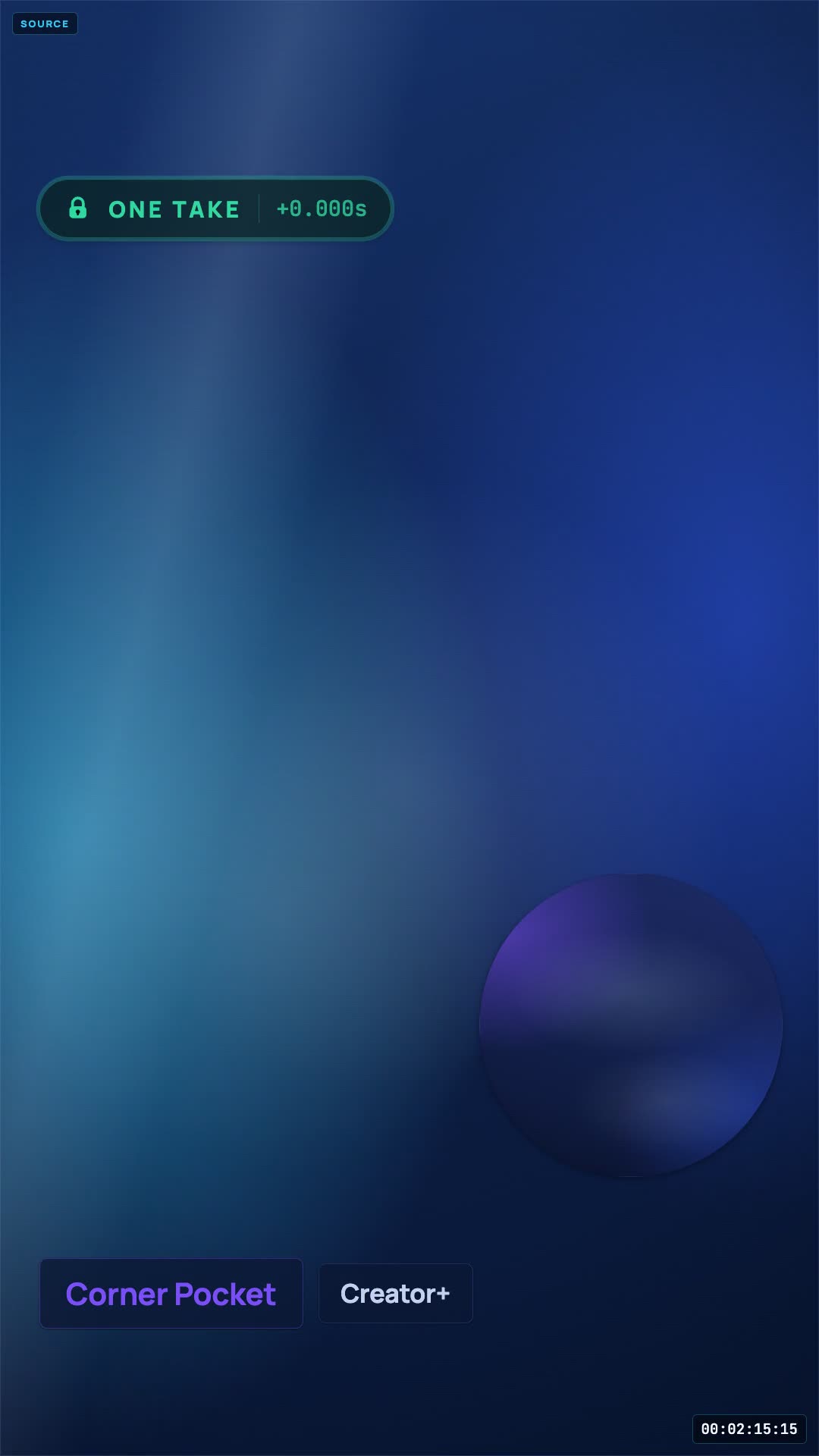 One take, re-rendered
The end of the workflow, which is the part most tools leave to you.
Problem one · scene setup
A reaction is two video sources and a microphone. In a broadcast tool that is a scene, a media source, a video capture device, an audio filter chain and a set of transforms — rebuilt every time you change your mind. Here it is a page you open.
Chromium or Safari, camera and microphone permission, and that is the install. No desktop app, no plugin, nothing to keep updated.
Drag any video file you already have straight into the session. Bring videos you have the rights to use.
Pick the camera and the microphone, watch the meter move, record a short test and play it back before the real take.
720p on Free, 4K source capture on Pro. On Pro the composite is built from the original 4K file you recorded rather than a downscaled copy of it. Ask for more than your plan allows and the server clamps the request rather than failing halfway through a recording.
Bring a co-host in from their own browser — no install on their side either. Each participant records their own recording locally.
Problem two · manual sync
Matching a camera to a source by waveform works right up until the source has no distinctive transient, or you clapped off-mic, or you paused. So the relationship is written down while it happens instead of being guessed at afterwards.
Every play, pause and seek is stamped with the wall clock and with the source's own playhead position at that instant.
The renderer replays that timeline, so your camera sits against the frame you were looking at rather than against elapsed time.
The timeline is stored, not baked in, so a second export in another layout or aspect replays the identical alignment rather than approximating it again.
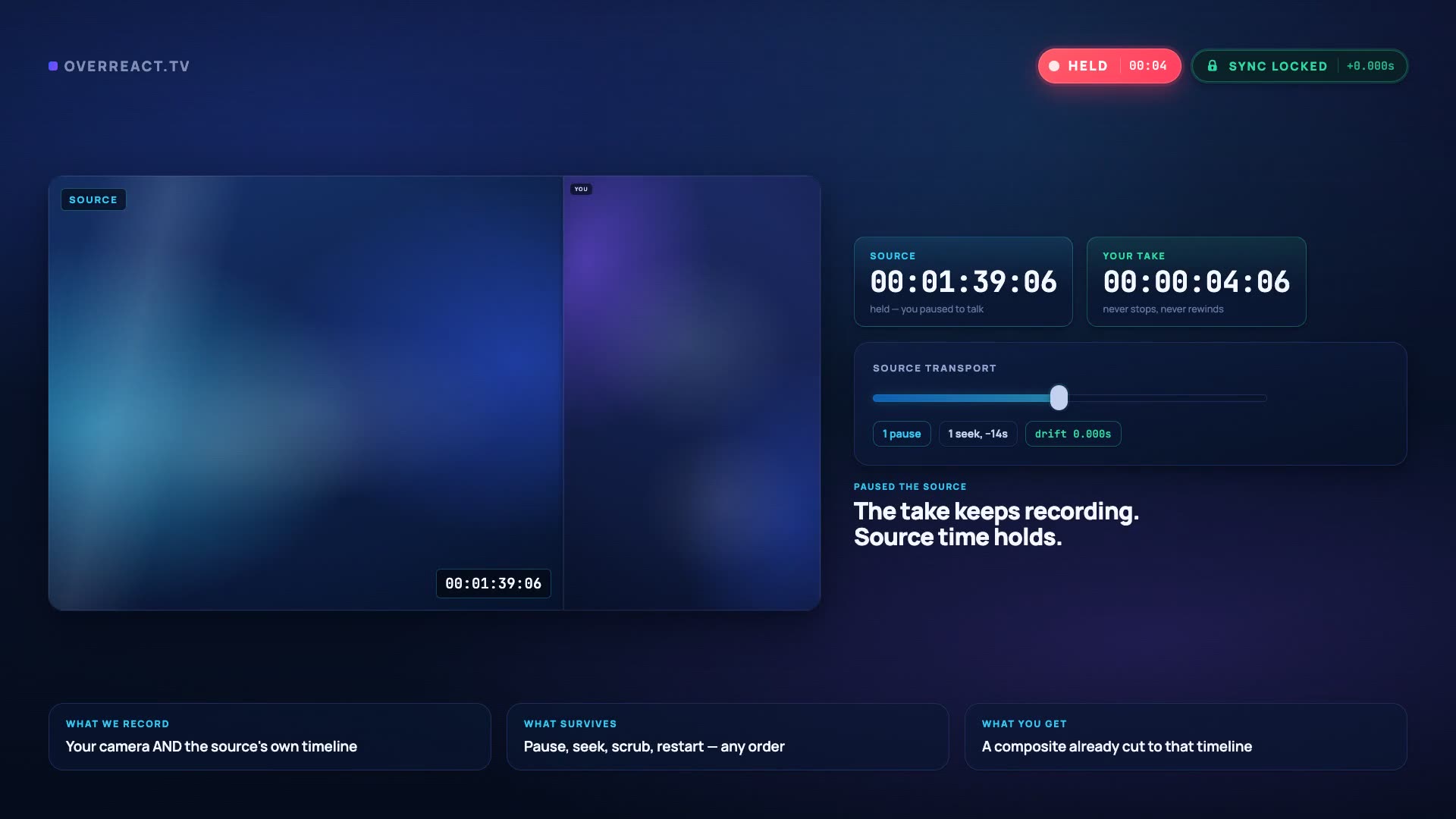 Pause + seek test
Problem three · drift after a pause
This is the failure that makes people record reactions in one nervous unbroken pass. Pausing to make a point, rewinding because you missed a line and stopping to answer the door are all normal, and none of them should cost you the edit.
The camera keeps recording while the source sits still, and the render knows the difference between the two.
Rewind to watch a beat again and the render replays that section of source under the right part of your camera — the second pass, not the first.
Each device records its own track locally, so a wobbly connection costs you upload time rather than picture quality.
Problem four · rebuilding the layout
Nothing about the way the video looks is baked into the footage. The take is the take; everything downstream of it is a render you can run again with different settings.
One format leaves here: the finished MP4 composite, in the aspect and layout you picked, and you can render it again in another of either. There is no project file and no separate-tracks download — if your edit needs the layers apart, that separation happens in your editor. Finishing in CapCut is its own walkthrough.
On Free, recordings and exports are permanently deleted 24 hours after they are created. Download them before then, or upgrade to keep them.
Go deeper
The full walkthrough of loading a source, recording a take and choosing the layout afterwards.
Read it →Ten steps with honest timings, including the lighting and audio mistakes that ruin a take.
Read it →What OBS still does better, and why the scene model fights this one workflow.
Read it →The 1080 × 1920 canvas, safe zones, and the three honest options for a landscape source.
Read it →All 10 drawn at real geometry, in vertical and widescreen, with a tier on each.
Read it →Finishing the composite in CapCut, and why there is no CapCut project file.
Read it →The long cut and the Short from one take, plus a straight briefing on Content ID.
Read it →Straight answers
The numbers behind every tier live on the pricing page, including the storage quotas and the refund window.
Recording with a synced composite, 5 of the 10 layouts, 720p and 2 GB of storage — with a watermark, and with a 24-hour delete on everything you record. Free is for proving the sync works, not for running a channel.
Try Pro free for 3 days — $0 today, then $39.99/month. Cancel before the trial ends and you pay nothing. First subscription only. Card required: $0 today, then $39.99/month after 3 days. Cancel before the trial ends to avoid a charge. Returning subscribers pay $39.99 today. That means all 10 layouts, no watermark, guests and full-length takes, on Pro's 50 GB storage ceiling. If you do not keep the plan, the account drops to Free and the 24-hour retention starts applying.
One: the MP4 composite, at 9:16 or 16:9. That is what we generate and test, and it is the only file a session hands back. There are no project files, no separate camera and source downloads and no caption sidecar — so if a workflow depends on those, plan on doing that part in your own editor.
Hitting your storage quota pauses new uploads and renders until you clear space. We never delete a paying customer's media. Storage: 2 GB on Free, 50 GB on Pro — and the trial is Pro, so it starts with Pro's.
No. A session starts from a file you already have — there is no in-product way to grab it from a URL. Sourcing the material and holding the rights to it is your side of the line — and reaction content is not automatically fair use, so keep commentary substantial and expect Content ID to match music regardless.
Recordings are yours. On paid plans nothing is auto-deleted; on Free everything is permanently removed 24 hours after it is created, which is a limitation rather than a privacy feature — download what you make on the day you make it.
Use all of it first
All 10 layouts, 4K, guests and full-length takes — then decide which of them you actually use. On Free, recordings and exports are permanently deleted 24 hours after they are created. Download them before then, or upgrade to keep them.
Try Pro free for 3 days — $0 today, then $39.99/month. Cancel before the trial ends and you pay nothing. 14-day refund on your first charge. Cancel any time.
Leave an address and we will tell you when a layout, an export format or a browser gets added. No drip sequence, no “our journey” newsletter.